Digital Hoarders Anonymous: Your Android Is Full of Games You'll Never Play Again

Let's do a quick audit. Open your app drawer, scroll to your games, and count how many you've actually launched in the last 30 days.
If you're like most mobile gamers we talk to, the number is somewhere between brutal and embarrassing. Fourteen installed games, three played. Maybe two. And those other twelve? They're not just sitting there politely. They're updating in the background, caching data, occasionally pinging you with notifications about energy refills you'll never use.
Your Android has become a graveyard of good intentions. Time to clean house.
The True Cost of a Game You Forgot You Installed
An abandoned game isn't inert. Here's what that idle 1.8GB RPG is actually doing:
- Storage bleed — games cache assets, download extra content, and accumulate save data long after you've stopped playing. Many games end up 30-50% larger than their install size within a few months
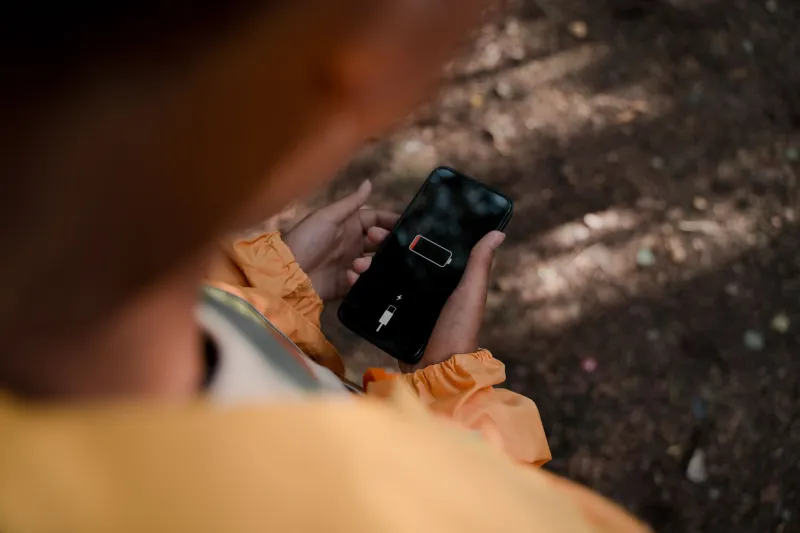
- Battery tax — background services, push notification handlers, and sync jobs from dormant games all nibble at your battery. Check your battery stats; you'll usually find at least one game you haven't opened in months eating double-digit percentages
- Update churn — auto-updates on big titles can eat gigabytes of data and Wi-Fi bandwidth for games you'll never launch again
The math gets worse on older devices. If you're gaming on a phone with 64GB or 128GB of storage, dead games aren't a nuisance — they're actively crowding out the titles you actually want.
The Audit: Fifteen Minutes, Real Results
Here's the process. Set a timer, grab a coffee, and go through it properly.
Round one — the obvious cuts. Sort your apps by size in Settings. Anything you can't remember the last time you played, and haven't thought about until right now? That's a delete. Don't negotiate with yourself. The game will still exist if you want it back.
Round two — the sunk-cost check. These are the harder ones: games where you invested real time, maybe real money, but haven't touched them in a month or more. Ask one question: if I deleted this today, would I reinstall it this week? If the answer is no, you're holding onto a hypothetical future self who doesn't exist.
Round three — the seasonal players. Some games genuinely have a rhythm. You play daily for three weeks, drop it for two months, come back. That's fine — but those games should be backed up and removed between cycles, not squatting on your device year-round.
Back Up Your Saves Before You Swipe Away
This is where most people freeze, and reasonably so. Nobody wants to lose 200 hours of progress because they got aggressive with the uninstall button.
Your options, in order of reliability:
- Cloud saves through the game itself — most major titles sync progress to an account (Google Play Games, the developer's own login, or a platform account). Open the game's settings, confirm cloud sync is on, and verify the timestamp before deleting anything
- Manual save backup — some games store saves locally in accessible folders. If you're comfortable with a file manager, copy the save directory to cloud storage before uninstalling
- Full APK + data backup — tools exist that can package an installed app with its data for later restoration. Useful for games that will eventually vanish from distribution entirely, which happens more than you'd think
One warning: games with server-side progression (most competitive and gacha titles) keep your progress on their servers anyway. Local save backups matter most for single-player and offline titles.
Deciding What Actually Deserves the Space
After the audit, you'll have a shorter list. Now apply the shelf-space test. A game earns its permanent spot on your device if it checks at least two of these boxes:
- You've launched it in the last two weeks
- It works offline (great for flights, commutes, dead zones)
- It's under a gigabyte and pulls its weight
- It's a multiplayer title your friend group actually plays together
- You'd genuinely be annoyed if it disappeared
Everything else lives in your backup folder or your reinstall-later list. And here's the thing — nothing is really gone. Reinstalling a game takes five minutes. The storage you reclaim is yours every single day in between.
Make It a Habit, Not a Crisis
The gamers with the cleanest setups aren't the ones who do one heroic purge a year. They're the ones who spend five minutes at the end of each month running the audit again.
Your phone is a gaming device. Treat it like one. A curated library of games you actually play beats a bloated archive of titles you're keeping out of guilt — every single time.
Now go check your battery stats. We'll wait.